
Context
THE PROBLEM —
Fast growth came at a cost. As the bank almost tripled its size and added several products and services to its portfolio, its core app started suffering and getting behind the competition. Visual inconsistencies began to appear allied with outdated visuals, and with a formal language full of banking jargon, some customers started looking for competitors.
Feeling the pressure to keep innovating but also knowing it was about time for a fresh start, the company set out a mission to change the tires while still driving the car. Refreshing the user experience with a redesigned app while still being able to launch new features and products in the meantime.
KEY PAIN POINTS —
- 01Unorganized app growth
- 02Inconsistent experience
- 03Inefficient navigation and buggy experience
- 04Outdated visuals and language
Design
Challenge
How can we create a new yet familiar experience for millions of users that sets the bar for the future of the bank while still providing room for an ever-growing portfolio of features?
The
Process
Working as tech consultancy partners, we at ioasys came up with a three-phase roadmap for the bank's project. Starting with a strategic period to better define deadlines and expectations, to a series of two-week sprints that iterated through all stages of the project, from facelift and redesign to the style guide documentation, being marked by incredible collaboration between teams, rapid prototyping, and short feedback loops.

My Role
PHASE 0: PLANNING —
We started with a detailed analysis of the bank's current user's feedback by using existing surveys and app store reviews. Then we moved to mapping future and existing features and creating affinity diagrams to create a thorough navigation architecture that enabled a series of meetings and workshops that defined our priorities and release schedule.
PHASE 1: FACELIFT —
Following our priority roadmap, we began by mapping out the app's existing components and structure. Then we designed a series of visual refinements and experience polishments that elevated the app's user interface to a more modern yet familiar look without having to make big structural changes to its navigation.
This move enabled us to buy some time for the upcoming major redesigns that would follow while keeping the layouts of the already designed new features that would be developed in the following months.
PHASE 2: REDESIGN —
Working in intense collaboration with each of the bank's business areas, we ran a series of agile sprints that iterated through all of the app's features, such as the digital account, credit cards, investments, and others.
Each sprint started by analyzing the priorly-collected user feedback, followed by a series of benchmarks with each competitor until we reached a layout and refining stage. Also, in the end, we had meetings to collect the stakeholders' feedback to then, finally, run an in-company usability test to validate our designs before the sprint delivery.
PHASE 3: STYLE GUIDE —
Having gone through the bank's current and future features through an extensive amount of time, we finally set off a short period to properly refine and document all the layout decisions made during the last months. Improving and refining the existing components created during the redesign phase to an extensive library, well documented with examples, best practices, and decision's rationale.
Solution
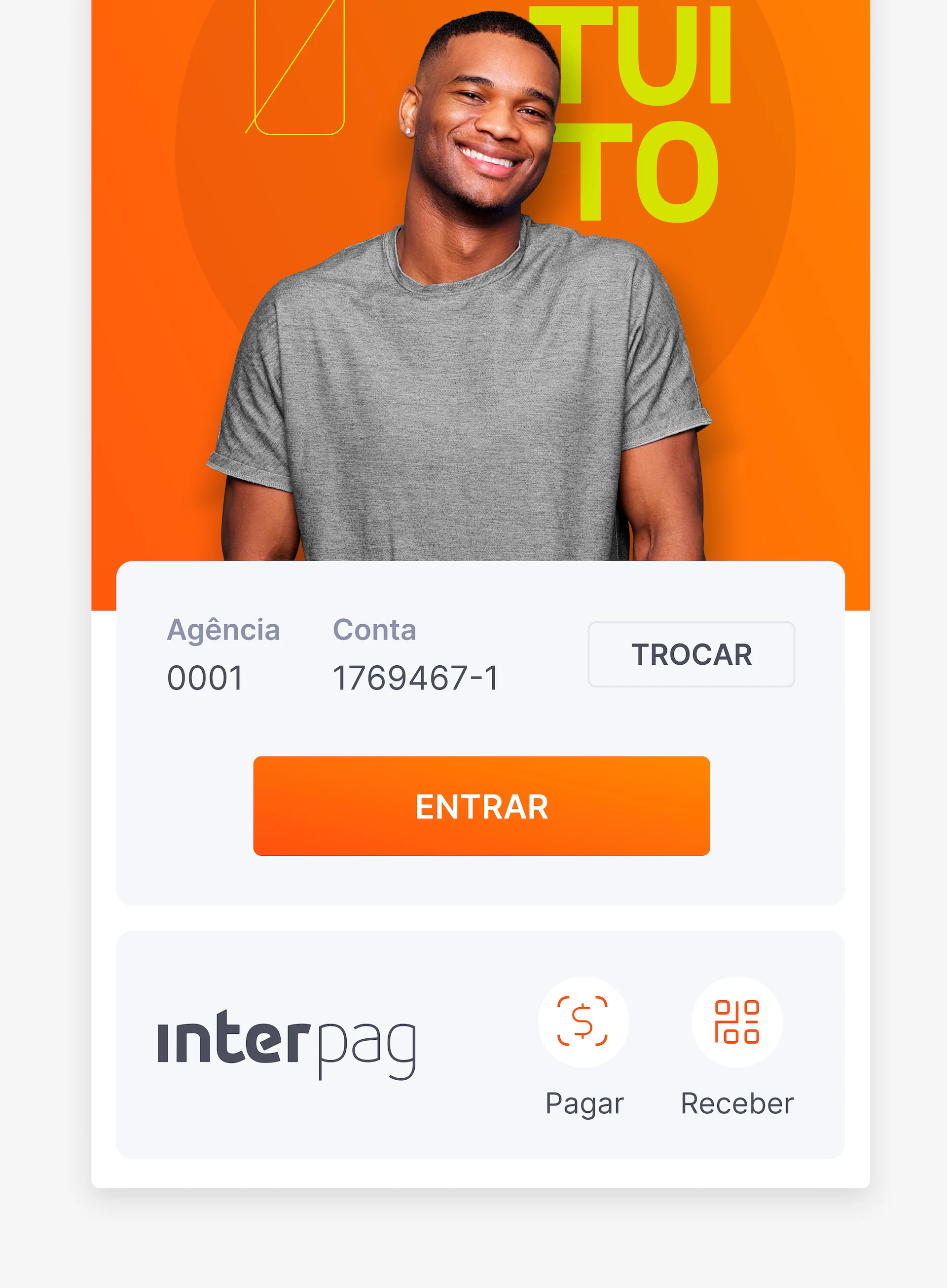
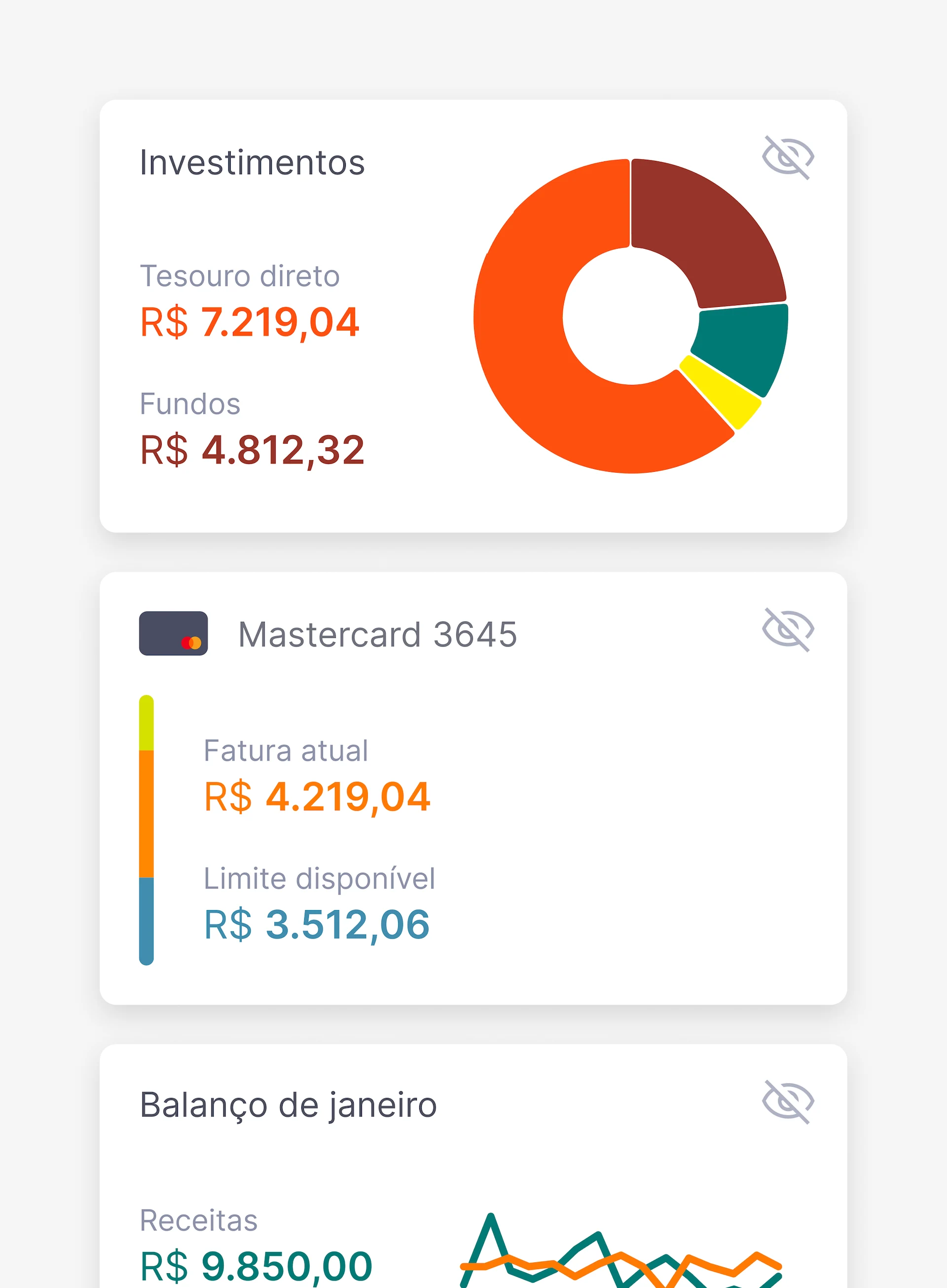
NEW HOME SCREEN AND WIDGETS
One of the major problems users reported was how long it took to access essential information about their credit cards and investments. To solve this, we created an entirely new home screen, customizable with widgets and shortcuts for easy access to frequently used features.
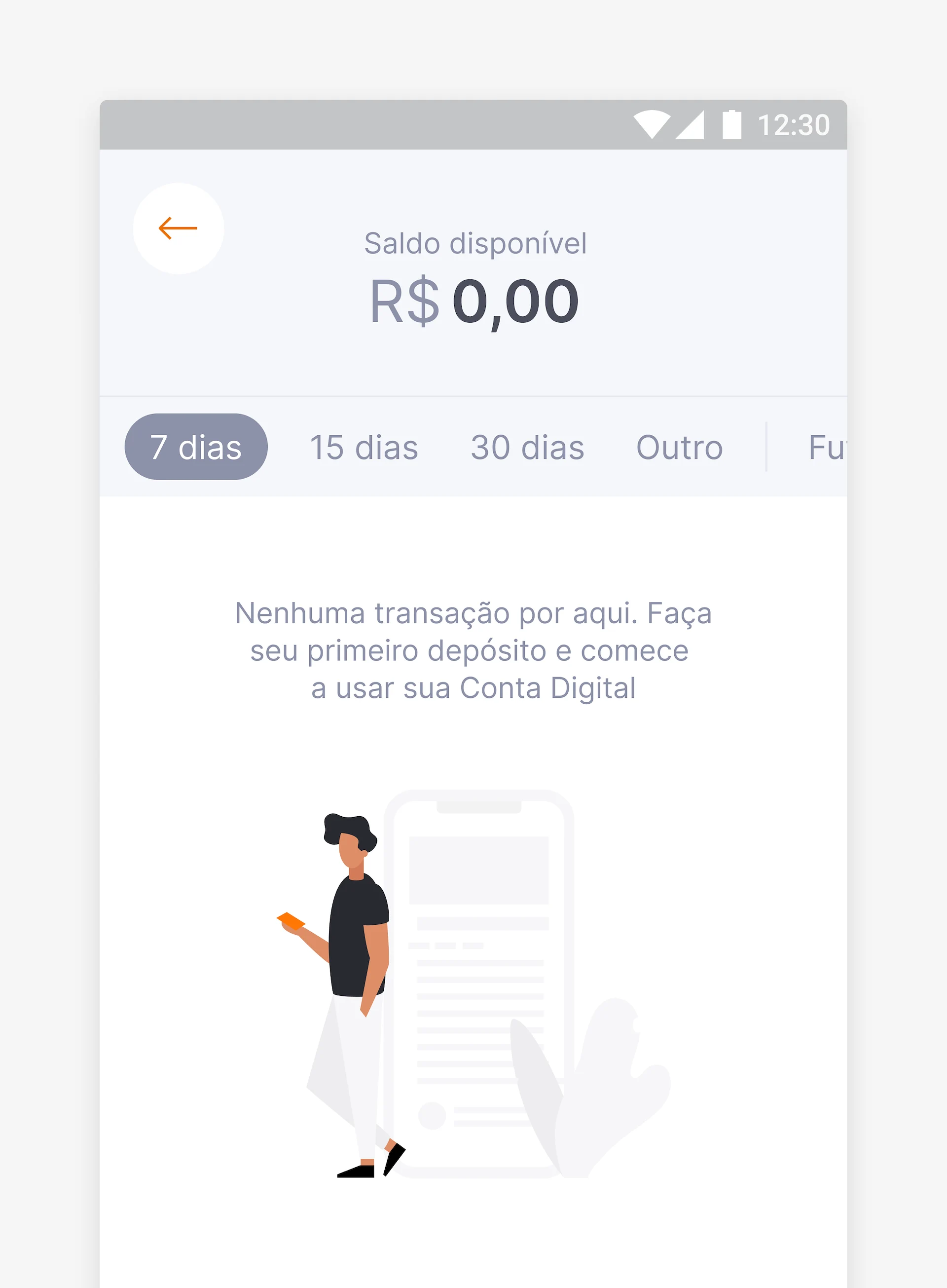
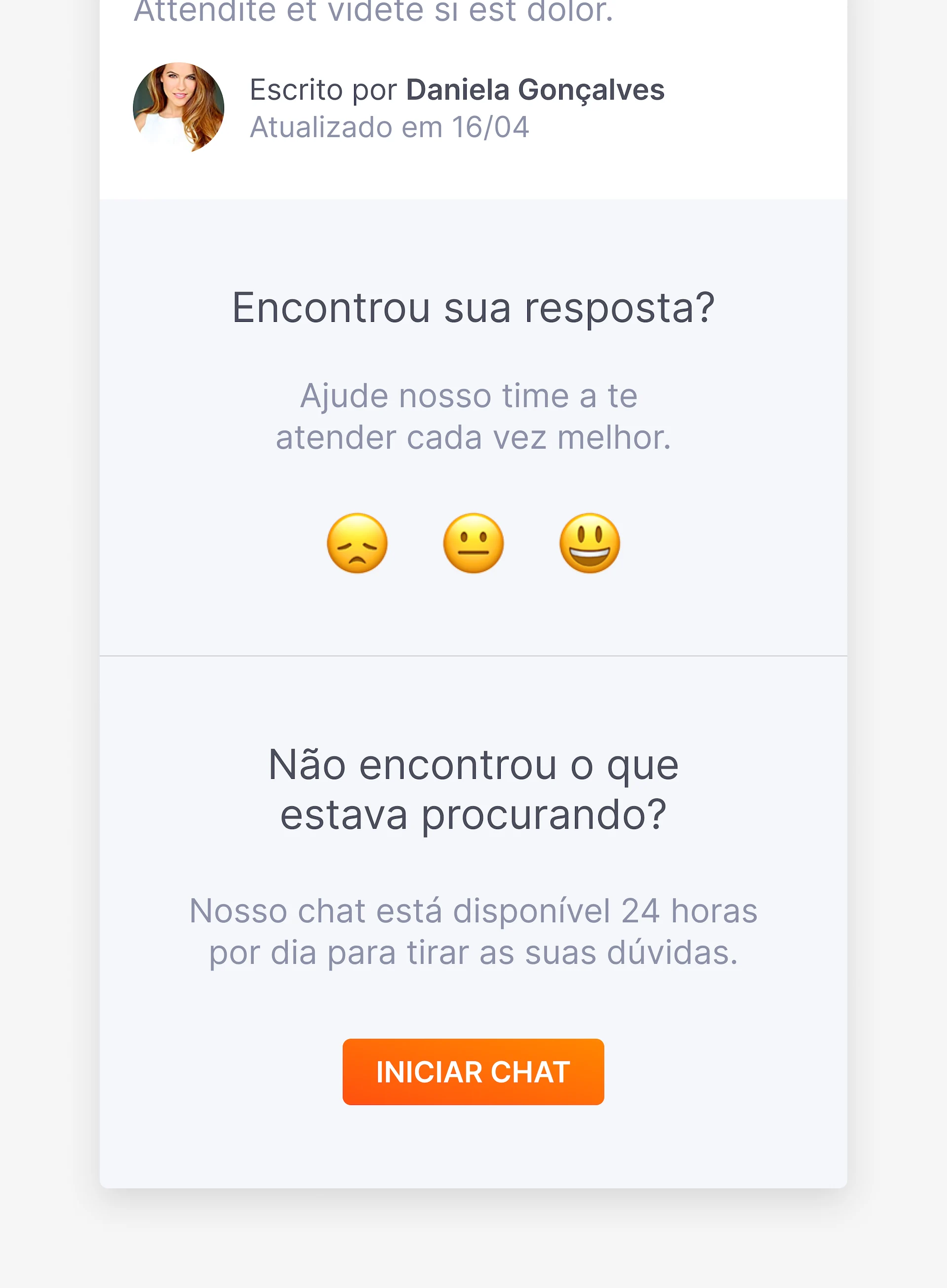
NEW WAYS TO COMMUNICATE
Our research also showed that the language we used to communicate with the
users was still very formal and full of banking jargon. This proved to be a
problem for the popularization of the app among unbanked people, so we
moved towards a new, more modern, and fun language, both written and visual,
while still keeping the seriousness and clarity of formal banking
communications.
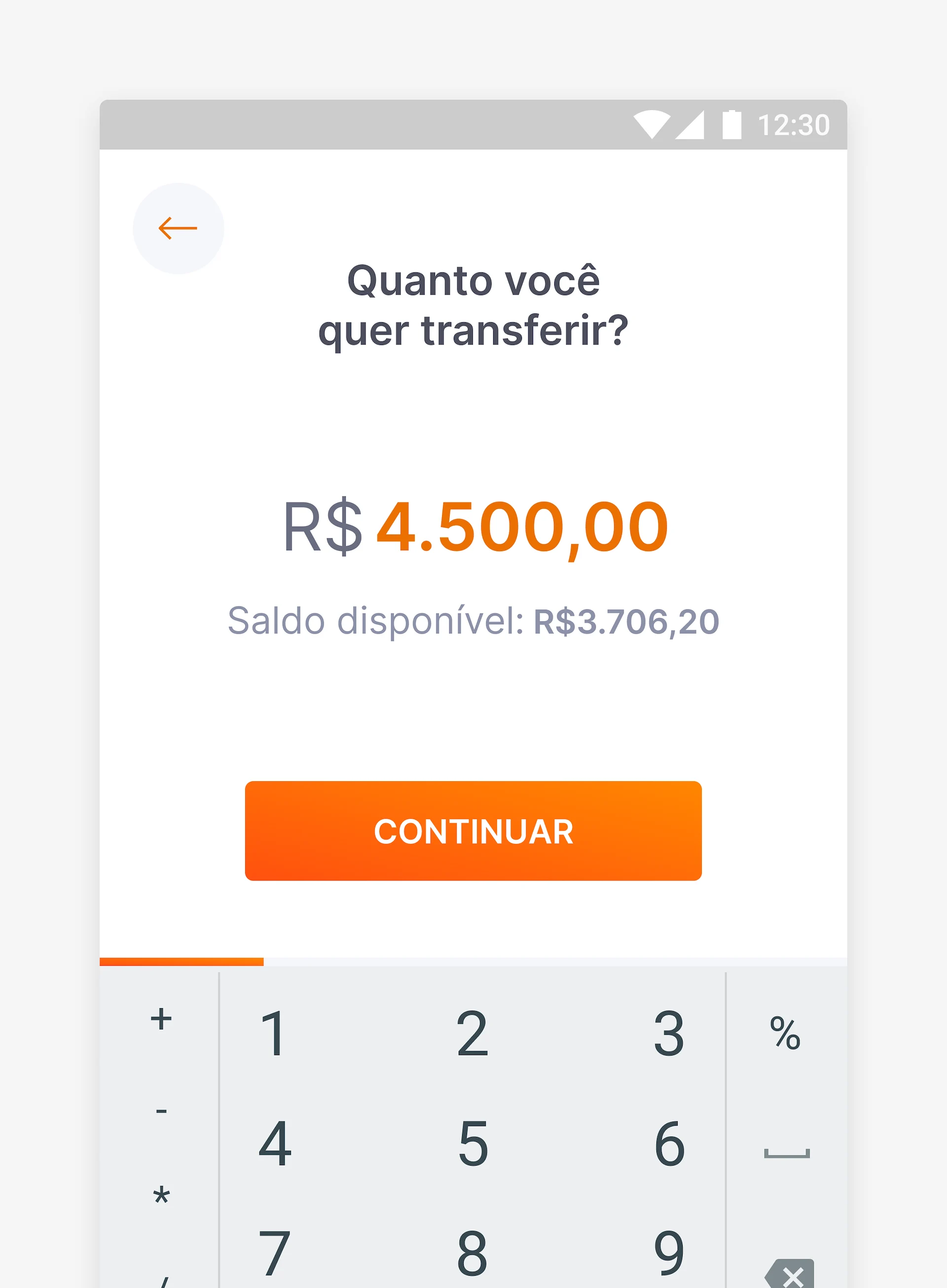
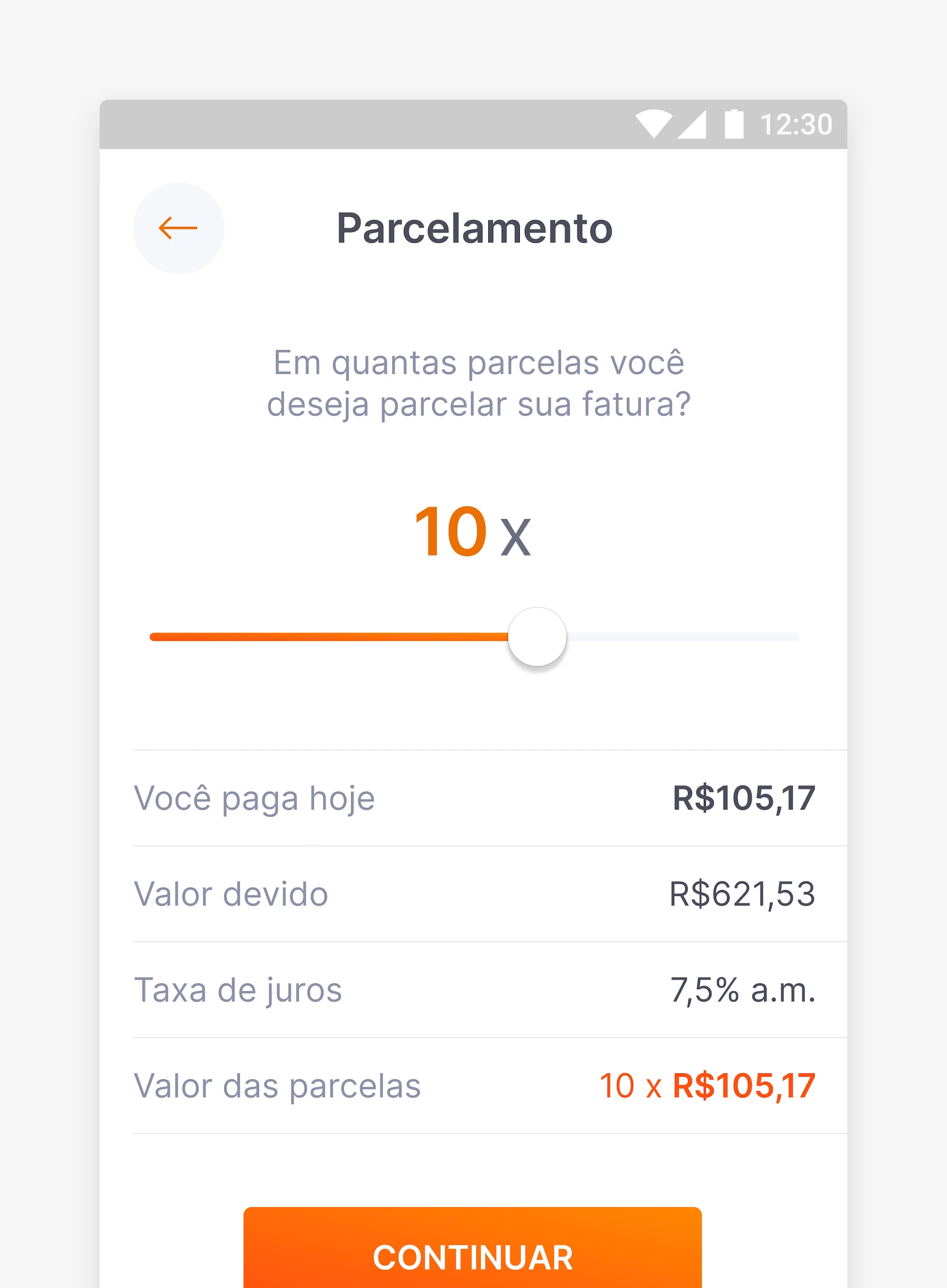
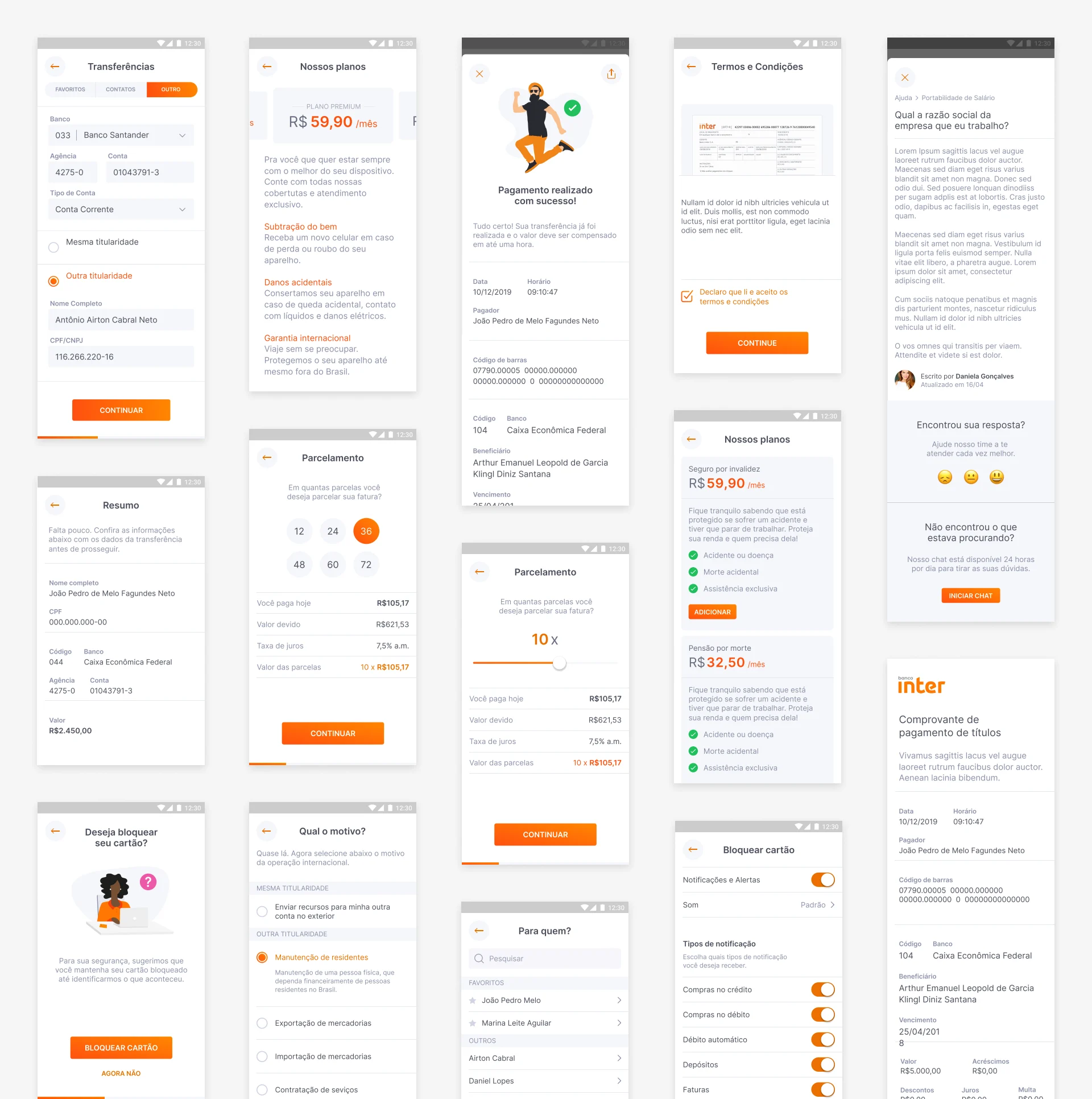
SAY GOODBYE TO BORING FORMS
To create a more engaging experience with the bank
and better guide the users through a feature's flow, we completely redesigned
the app's forms. Dividing them into multiple steps filled with more
interactive ways of data entry instead of old boring inputs.
Learnings
& Insights
KEEP AN OPEN MIND —
While working with a 100% digital bank with no agencies requires you to think outside the box, it is also important to keep an open mind to balance out all the seriousness and protocol required by government regulations, and the user's expectations when the app is dealing with his money.
PRIORITIZE ORGANIZATION —
On the fast-paced growth the bank had been through in the years before, it was common to hear the phrase “do it first, organize it later”. This proved to be a problem both before and during the project due to constantly changing priorities.
Yet, with the launch of the first version of the components that were built according to the new style guide, we were surprised by how much little effort we needed to make things a lot more consistent and fast to design and develop.
TEST, TEST AGAIN, AND AGAIN —
Working with a security-sensitive area such as the banking industry has its pros and cons. One of them was that all our usability tests should be made in-house with no participation of people outside the company. This worked fine until we decide to bring in people within the company who had little to none experience with digital banking and figured out that the language we were using was too difficult for them because of all the jargon.