Context
THE PROBLEM —
Transforming an analog-first company into a digital one is hard. As the company almost doubled the number of software projects under its Innovation area's supervision, reaching a whopping number of 40 active initiatives being developed by over 15 external partners, several problems started to appear.
From the lack of collaboration between the company's product teams and the inefficiency of their software development process. To the several inconsistencies in the user experience across current systems and their outdated visuals. It was time to create a unified design and development language that would define how teams across the company would create software.
KEY PAIN POINTS —
- 01Inconsistent experience
- 02Outdated visuals
- 03Inefficient development process
- 04Lack of collaboration between teams
Design
Challenge
How can we build a comprehensible design system, that is capable of creating a new, consistent, and modern user experience on a company with so many software initiatives, being built by so many different external partners?
The
Process
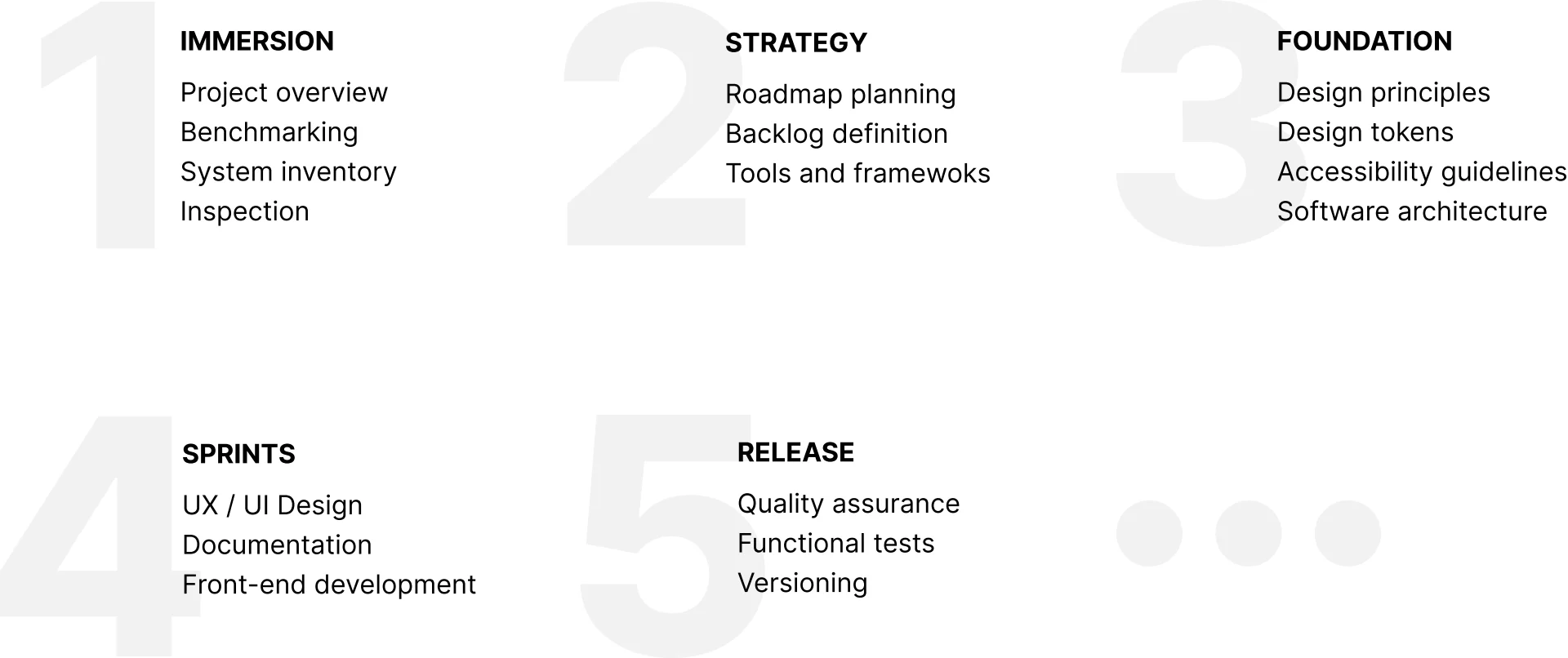
Working as tech consultancy partners, we at ioasys laid out a five-stage plan for the project. We started with a deep dive into the company's projects, followed by a strategic period to lay out a more detailed roadmap, defining the tools and frameworks that would be used. Then we ended in a series of weekly agile sprints, that iterated from the very foundation principles of the design system and its architecture to its very last details and polishments.
The entire process was also marked by an incredible collaboration between the design and development teams. Allied with the client's short feedback loops, this created an incredibly engaging and productive environment that helped the team to remain cohesive even on a tight schedule.
My Role
PHASE 1: IMMERSION —
We started with a series of interviews with the company's many stakeholders so we could better understand the scope of the project and what challenges we would face. Later on, we did an extensive benchmark on dozens of other design systems to understand their creative process and figure out what could work and what would not work for our context.
Finally, we meticulously inspected the user interface of each of the company's key software initiatives, recognizing patterns across their user experience and listing out all the components and tokens that were used across them to find differences and similarities.
PHASE 2: STRATEGY —
With a deeper understanding of the company's context and a more precise knowledge of the challenges we would face, we set off a time to lay out a detailed roadmap for the project's next months and to define the tools and frameworks that would be used by running a series of tests and benchmarks.
PHASE 3: FOUNDATION —
In collaboration with the project key stakeholders, we've run several design-thinking-based workshops, bringing together people from various external partners to collaborate on the definition of the design principles that would set the direction of the project to achieve the company's goals.
Following this definition, the design and development team started working together to research and design the taxonomies, design tokens, and software architecture that would be the very foundation of the project, creating a unified language between both teams.
PHASE 4: SPRINTS —
Looking forward to having short feedback loops, we ran a series of weekly agile sprints, iterating through 200 components with over 800 variants, designing, prototyping, testing, and developing each one to its very last details.
At the end of each sprint, we also created detailed documentation for each component, showing its best practices, live examples, and each of its functional parameters.
PHASE 5: RELEASE —
Working intensively on the project final sprints, we set aside a time for a final quality assurance process, running a series of functional and integration tests for correlated groups of components, and common layout patterns the company used.
Last but not least, the team also heavily invested in evangelization within the company by hosting internal workshops and events. Reinforcing the company's external partners' initial buy-in, and help the design system to continue growing inside the company, like the living organism it was meant to be.
Solution
DESIGN TOKENS
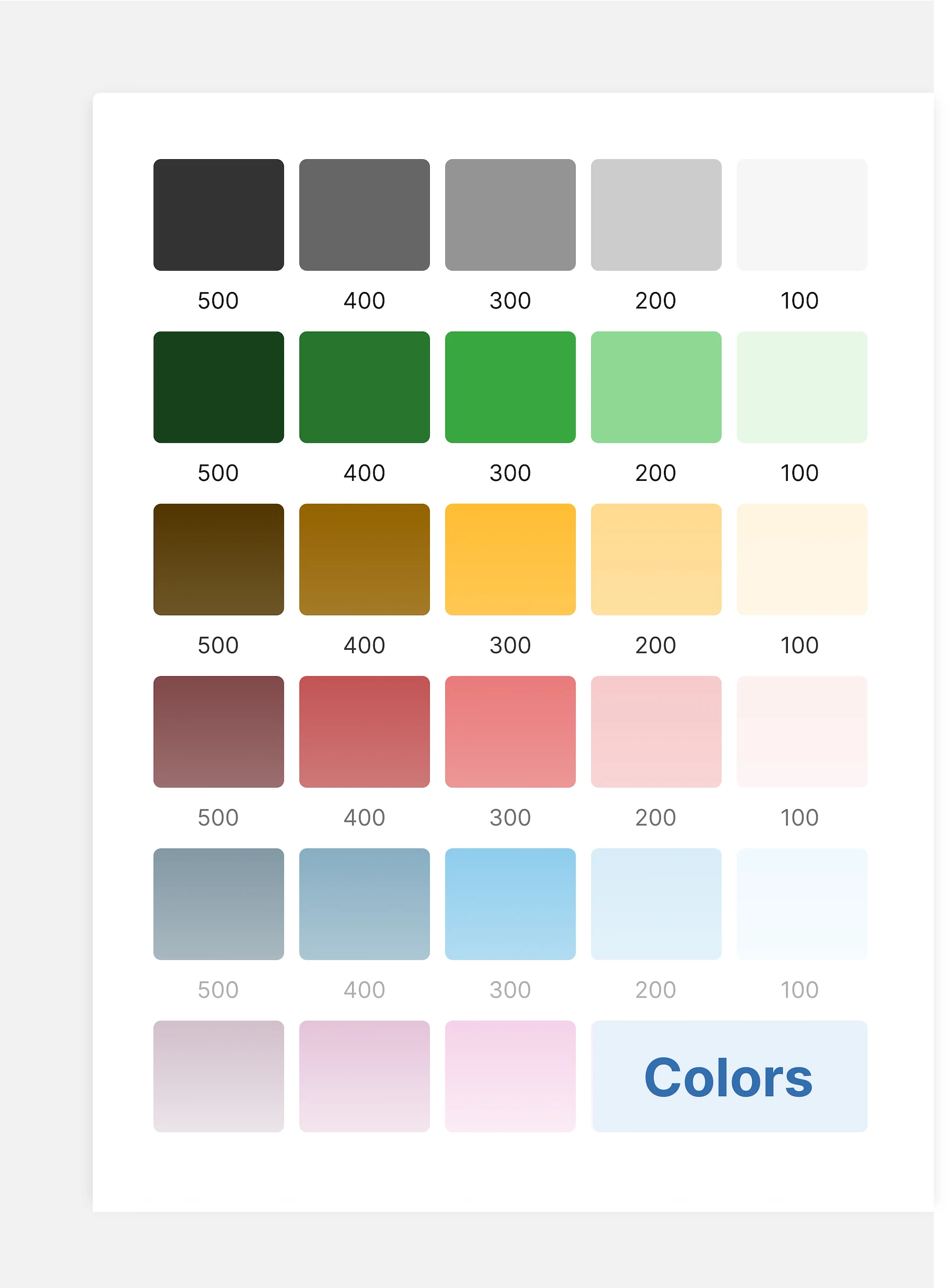
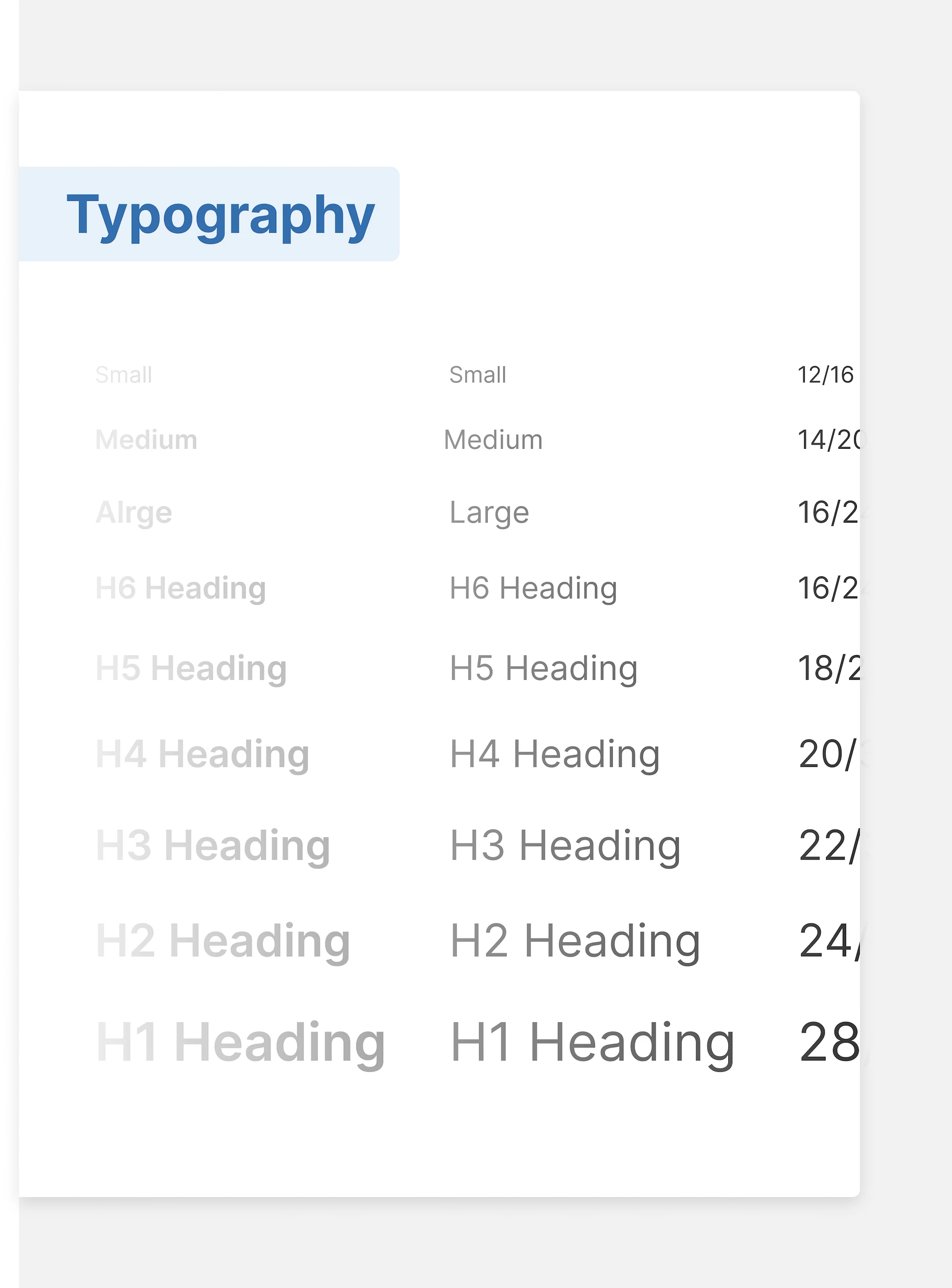
Working closely with the development team, we designed, tested, and documented a simple, yet powerful, taxonomy that simplified all the existing color, font families, and size decisions into an accessible and understandable guideline.
ILLUSTRATIONS & ICONOGRAPHY
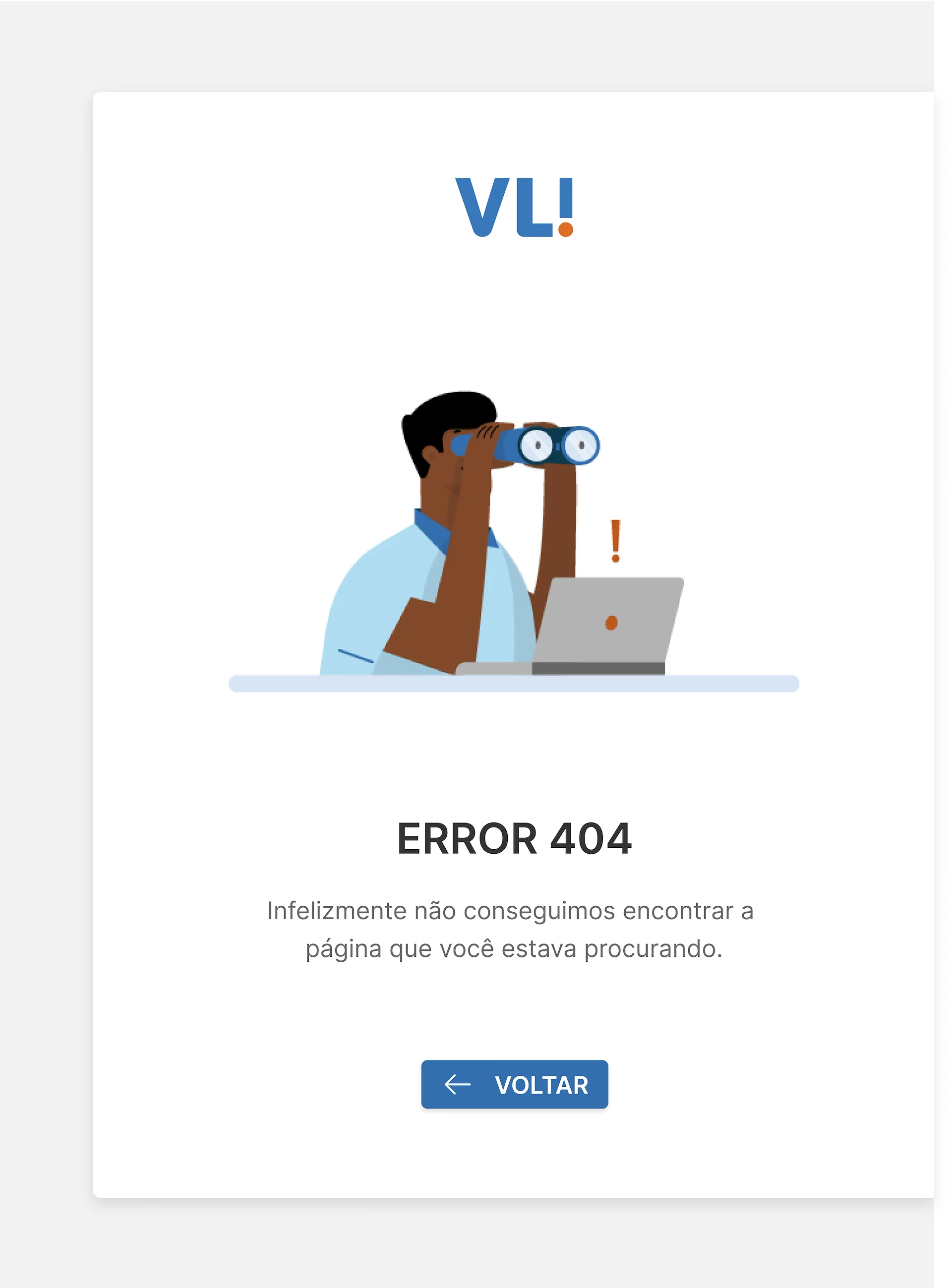
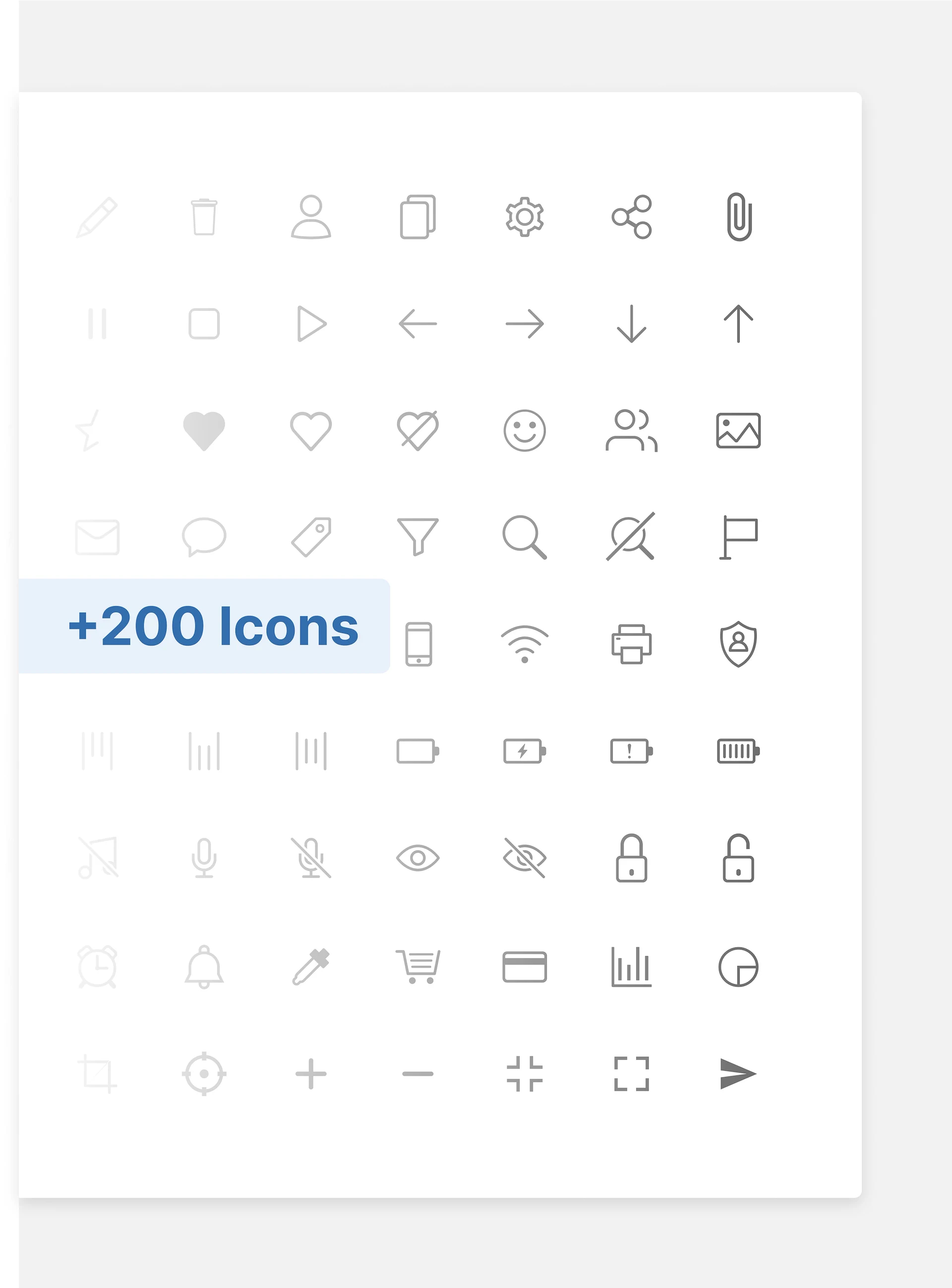
To create an even more unified visual language, we created dozens of flexible, reusable illustrations and an extensive icon library to be applied across systems. All in conjunction with instructions to keep these growing.
COMPONENT DESIGN
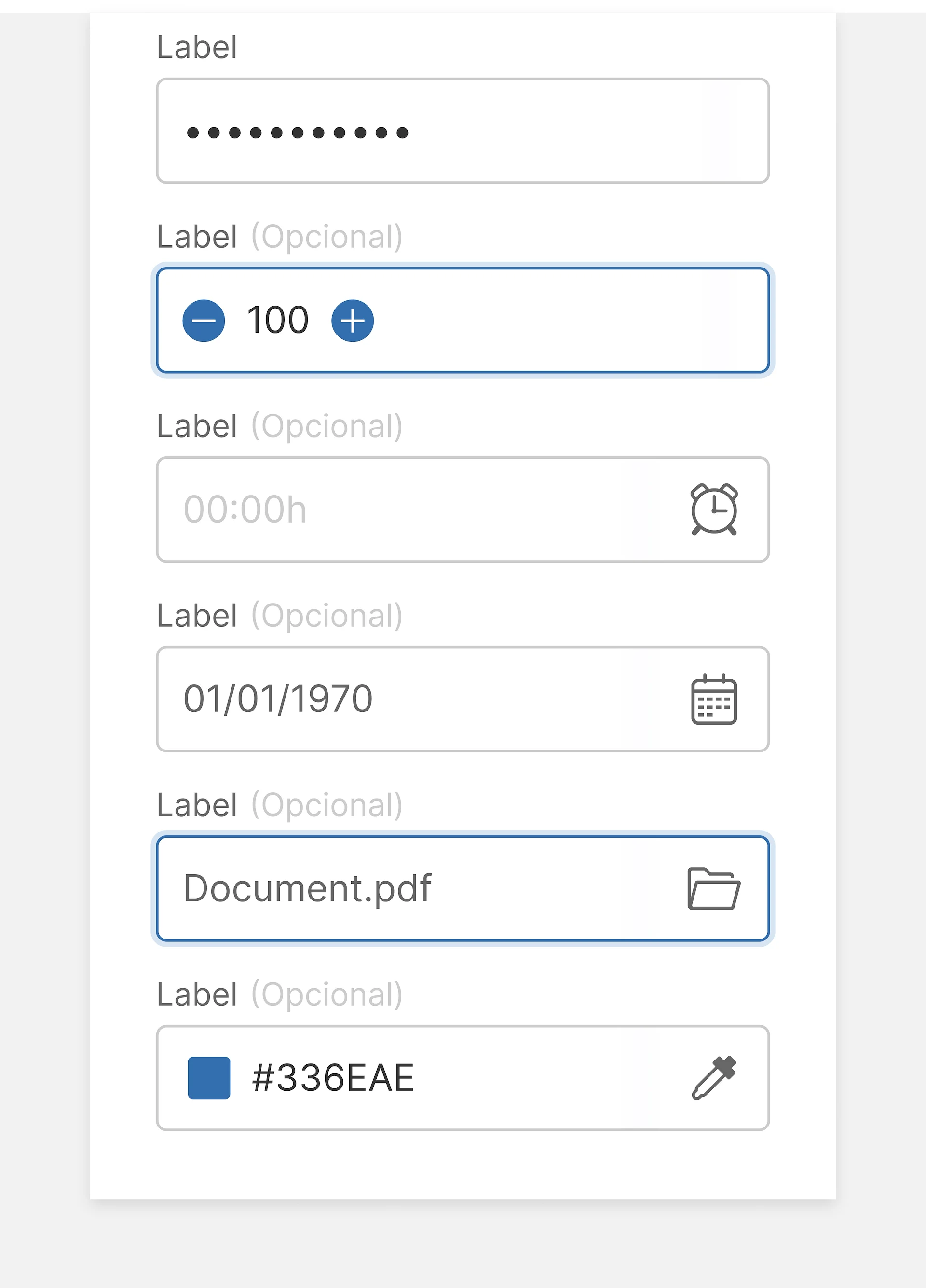
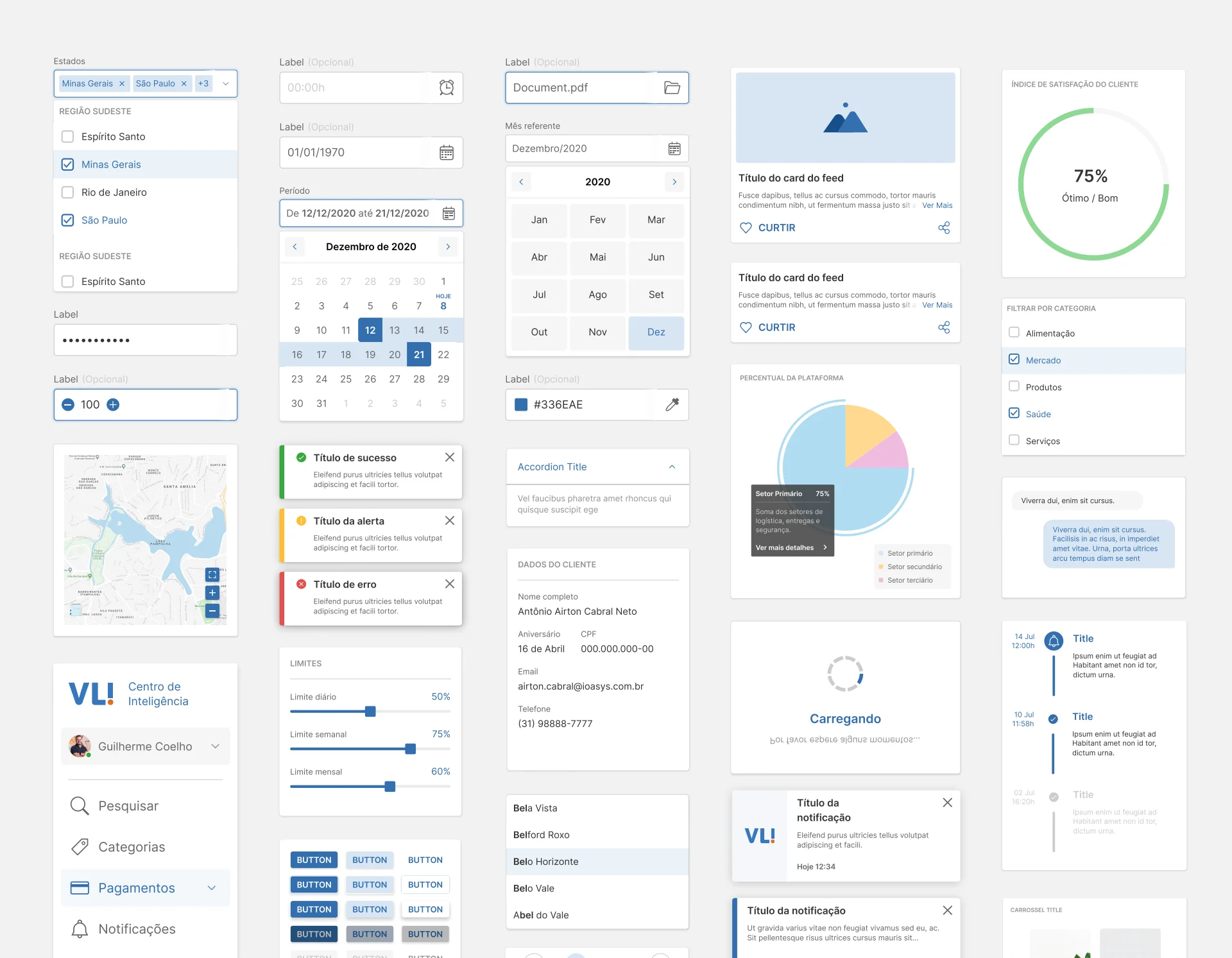
Starting with basic functional components and unfolding these into smaller subcomponents and their variants, we designed and developed over 200 major components with over 800 variants, all focusing on their visual consistency, ease of use, and user productivity.
TEMPLATES AND STANDARDS
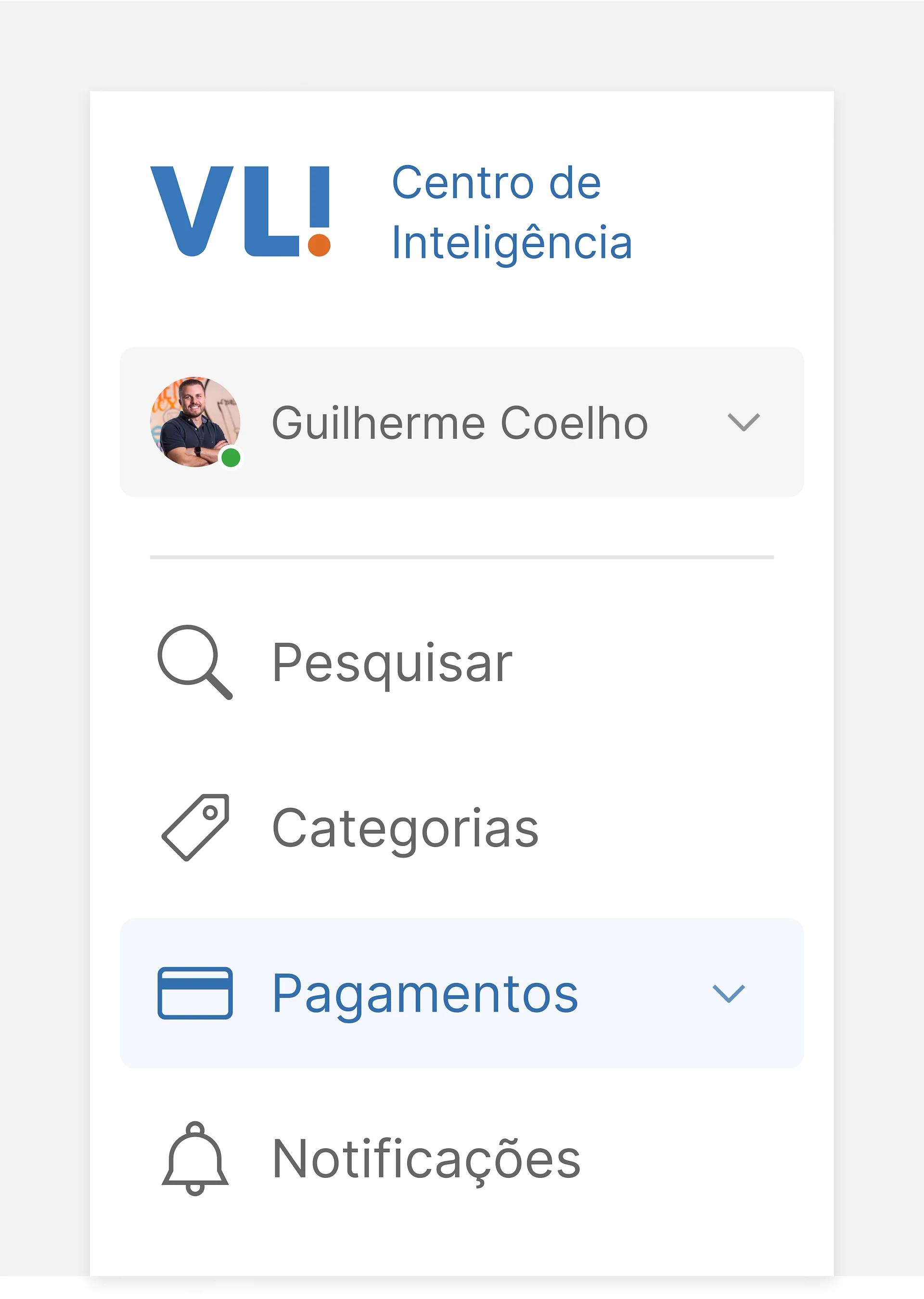
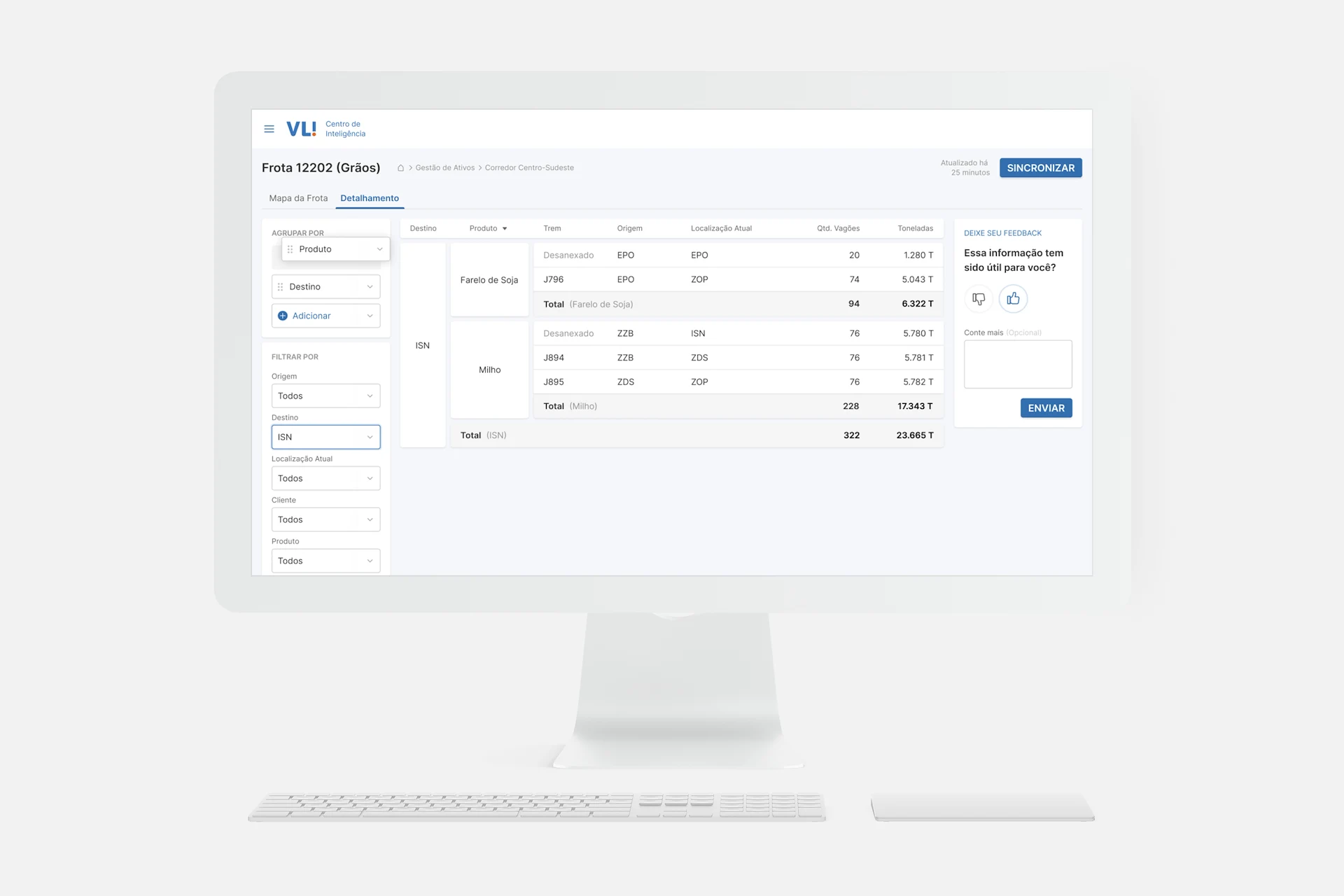
Having defined the smaller parts, we then moved to create unified standards for common behaviors such as user authentication, table filters, and navigation patterns. All this while creating reusable templates and comprehensive documentation on how to use them.
Learnings
& Insights
PLANNING SAVES TIME —
While working on a tight schedule, it may seem intuitive and more productive to jump straight into creating layouts and plan your deliveries as you go. But having a short time right at the start to research, dive into the company's goals, lay out a roadmap, and take cold-headed decisions will be incredibly beneficial for the project. You will still reach your deadline, but with a much better final product.
COLLABORATION IS KEY —
From getting to know every stakeholder and bringing together people to share their ideas, to find a common language between the design and development team, a design system is about people, and creating a collaboration culture is the key to get its implementation right. Plus this makes its creation much more delightful.
IT'S ALIVE! AND IT GROWS FAST —
Like a plant on the ground, a design system is a living organism within the company. It grows as much as you take good care of it and sometimes it will naturally expand to other directions. This is a good thing. Growth should be natural as people collaborate and use it to solve their problems.